
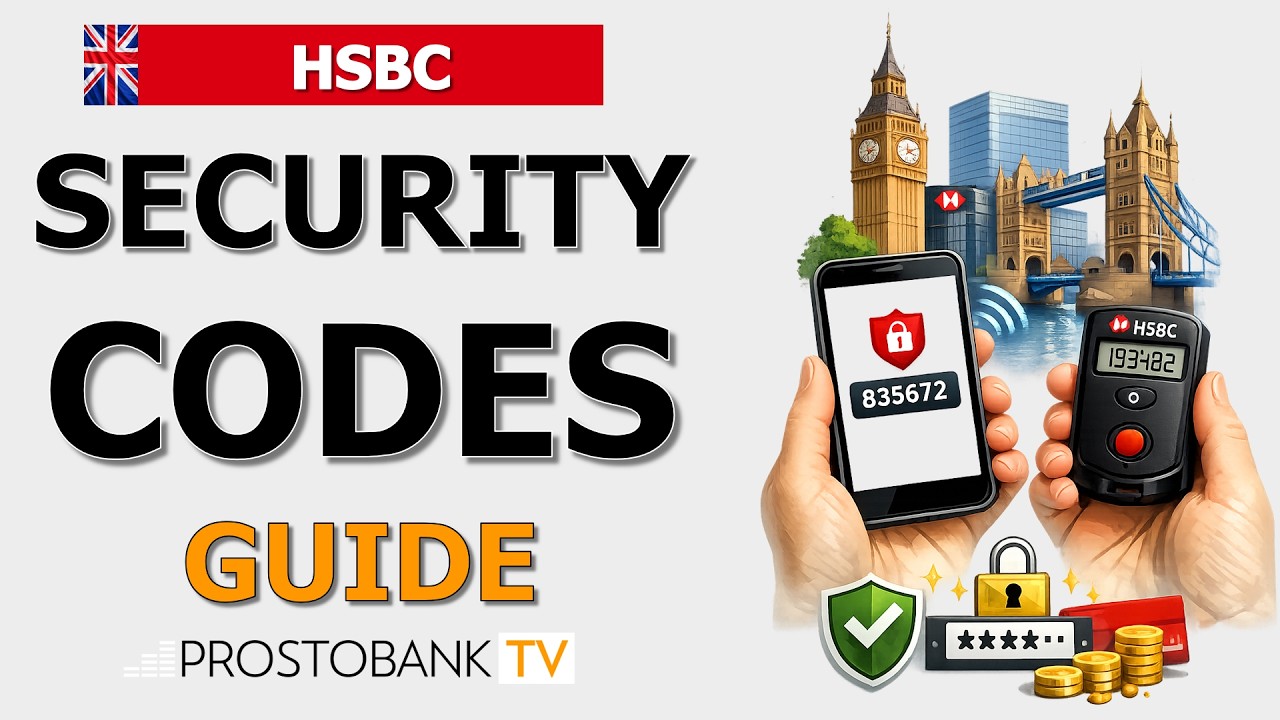

Logging on to your online banking portal or authorizing a new transaction requires a temporary security code to confirm your identity. Banks utilize these one-time passcodes to ensure that even if someone learns your passwords, they cannot access your accounts without physical possession of your registered device.
Depending on how you initially set up your profile, you will generate this code using either the Digital Secure Key built into the HSBC mobile app or a small physical token provided by the bank. Understanding how to access the correct type of code ensures your login process goes smoothly and prevents unnecessary lockouts.
Key Transfer Information
| Category | Details |
|---|---|
| Available Methods | HSBC UK Mobile Banking app (Digital Key) or physical Secure Key device. |
| Processing Time | Codes appear immediately on screen after entering your security PIN. |
| Eligibility | Customers with an active UK current or savings account registered for digital banking. |
| Key Requirements | A registered smartphone or a working physical token, plus your Secure Key PIN. |
It’s necessary to confirm some transactions in HSBC by a security code to protect yourself from the actions of fraudsters.
To generate the security code, you need:
log in to the HSBC Mobile Banking app
- tap "Generate security code"
- choose the type of security code, which you require: Log on security code, Reauthenticate to verify identity, Transaction verification
- follow the prompts, for example, enter your digital security device passcode or scan your face or finger
Troubleshooting Common Issues
Code Repeatedly Rejected on Desktop
Cause: Security tokens generate time-sensitive codes. If you wait too long to type it, or if your device's internal clock falls out of sync with the banking servers, the code will fail.
Fix: Wait roughly 30 seconds for the internal cycle to reset, tap 'Generate new code', and type it quickly.
Fallback Action: Call HSBC telephone banking support so an agent can manually resync your physical or digital key with the main system.
App Crashes When Generating a Code
Cause: Using an outdated version of the mobile app or having corrupted cache data can interrupt the cryptography software from displaying the numbers.
Fix: Close the app completely, check your device's app store for pending HSBC updates, and restart your phone.
Fallback Action: Use a physical Secure Key if you have one linked to your profile, or call customer support for alternative access options.
Secure Key PIN Blocked
Cause: Entering the wrong PIN into your Digital or Physical Secure Key too many times will trigger an automatic security restriction to protect your funds.
Fix: Stop attempting to guess the PIN, as further attempts will prolong the restriction and could require a full profile reset.
Fallback Action: Contact the HSBC Helpdesk via the telephone number on the back of your debit card. You will need your Telephone Security Number to verify your identity and unblock the token.
Pro-Tip from Olesya Krasavtseva, Content Editor at Prostobank Consulting: When generating a code to authorize a new payee transaction, the app will ask you to input the last four digits of the destination account number. Have these specific payee details written down in front of you before you open the mobile app, as the security code screen times out very quickly if left idle while you search for the paperwork.
Frequently Asked Questions
Can I generate a security code if my phone has no internet connection?
Travelers often find themselves needing to check balances from a hotel computer without mobile data roaming active. The Digital Secure Key function operates independently of your internet connection for basic logins, as the cryptographic software lives locally on your smartphone. However, you will not receive automated push notifications for payment approvals while offline. Open the app without internet, manually select the option to generate a log on code, and type the resulting numbers into your desktop browser.
Why is the system asking for a transaction code instead of a log on code?
Different actions require distinct types of cryptographic verification to prevent fraud. A basic log on code only grants read access to your statements. If you are trying to set up a new standing order or modify your personal address, the desktop site will prompt you for a transaction code to prove you are authorizing a material change. Close the current prompt on your app, return to the 'Generate security code' menu, and select 'Transaction' to get the correct format.
What should I do if my physical Secure Key screen goes blank?
Physical security tokens contain internal batteries that keep their internal clocks running. To maintain absolute security, these devices are sealed and the batteries cannot be replaced by the user. Once the screen stops displaying numbers, the device is permanently decommissioned. You will need to either download the HSBC app to transition to a Digital Secure Key, or call telephone support to order a new physical token by post, which usually takes several working days.